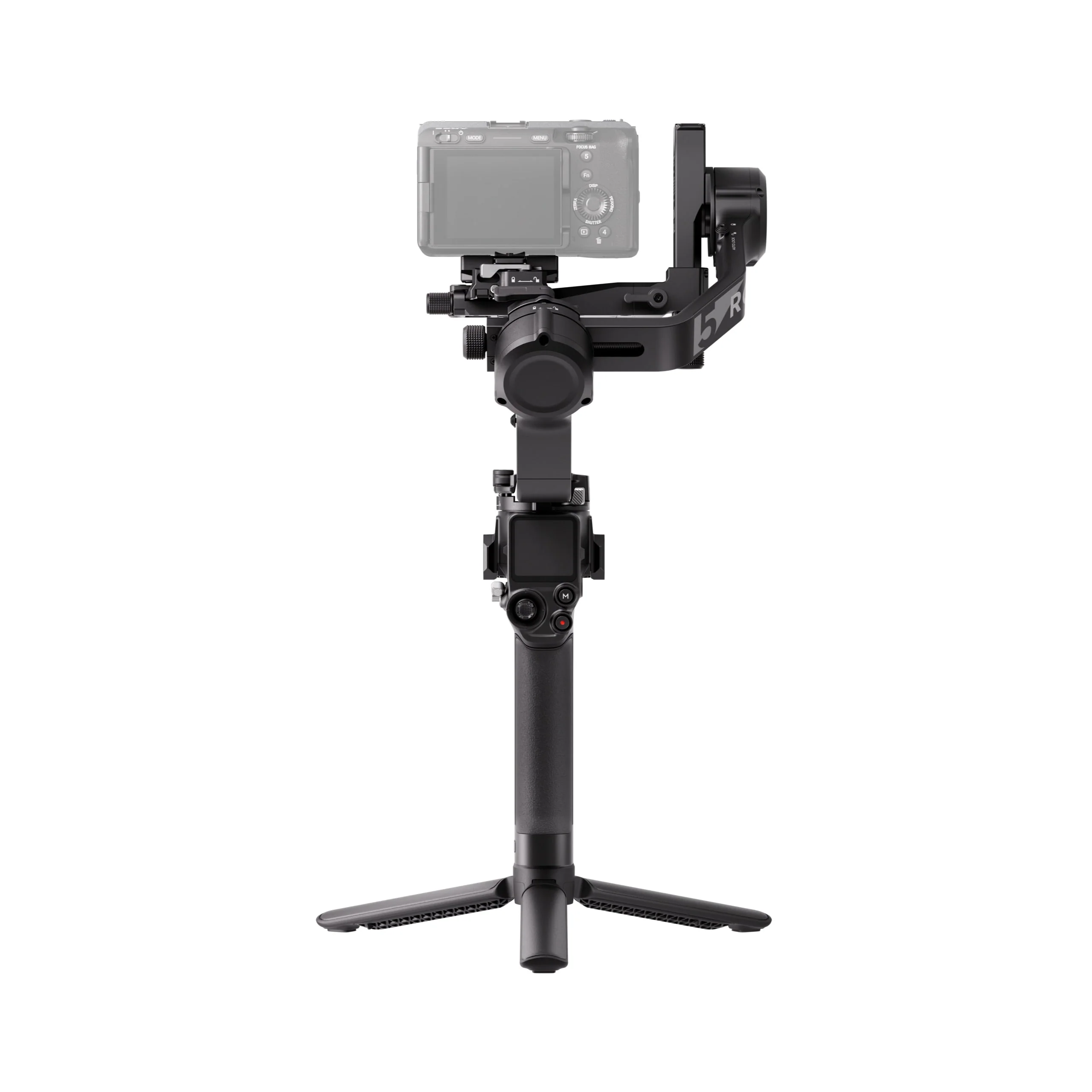
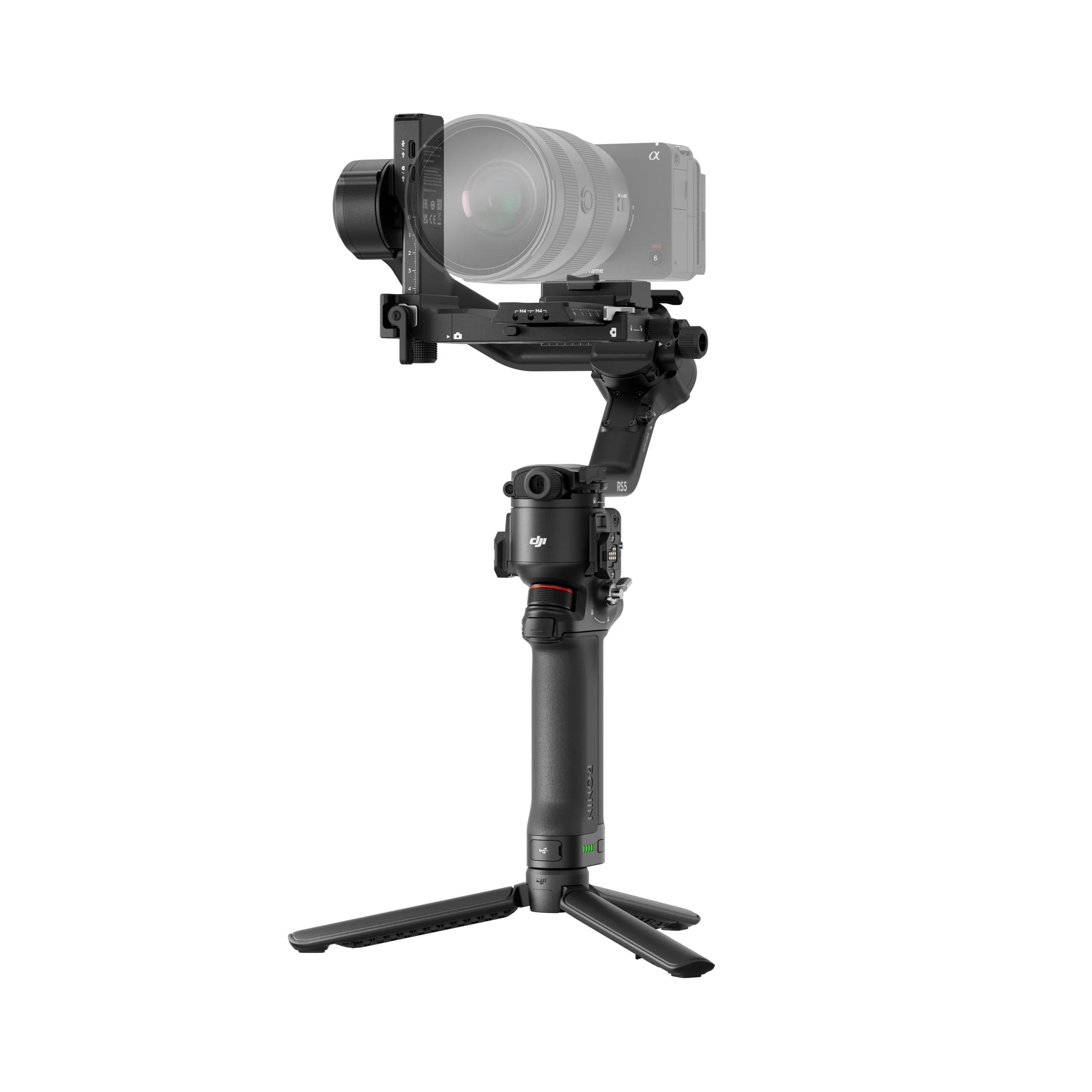
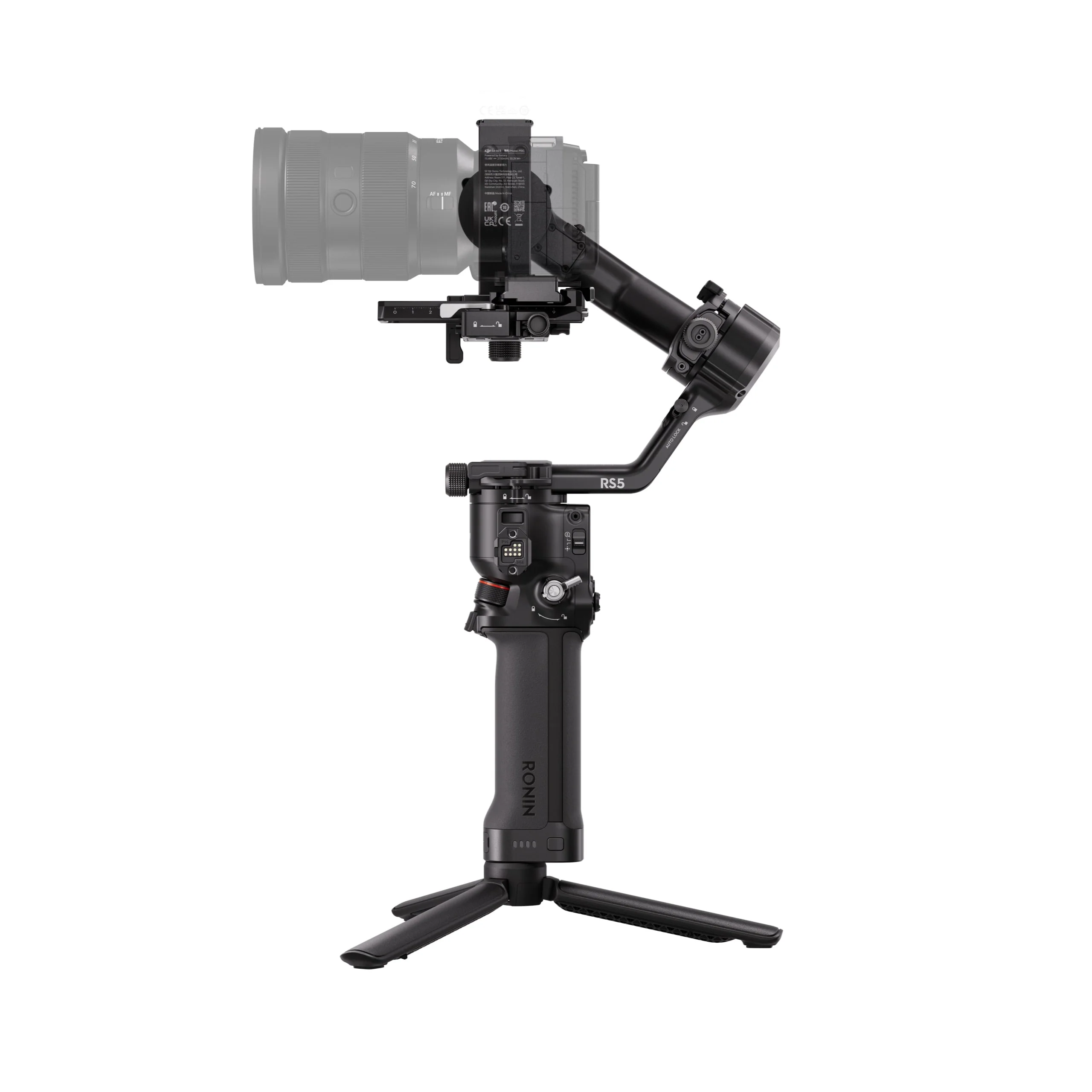
DJI RS 5 Gimbal Stabilizer
Enhanced Battery and Fast Charging
When used with the BG33 battery grip, the RS 5 gimbal can be fully charged in as little as one hour using a 65W PD power charger. It offers 14 hours of runtime, 15% more than the RS 4, or up to 30 hours when used with a BG70 battery grip.
Native Vertical Capture
Switch to vertical/portrait mode in seconds using the RS 5 gimbal’s third-generation vertical shooting design. Loosen and press the single-side knob, rotate and tighten the horizontal plate, and you’re ready to shoot.
Second-Generation Quick Release Plate Design
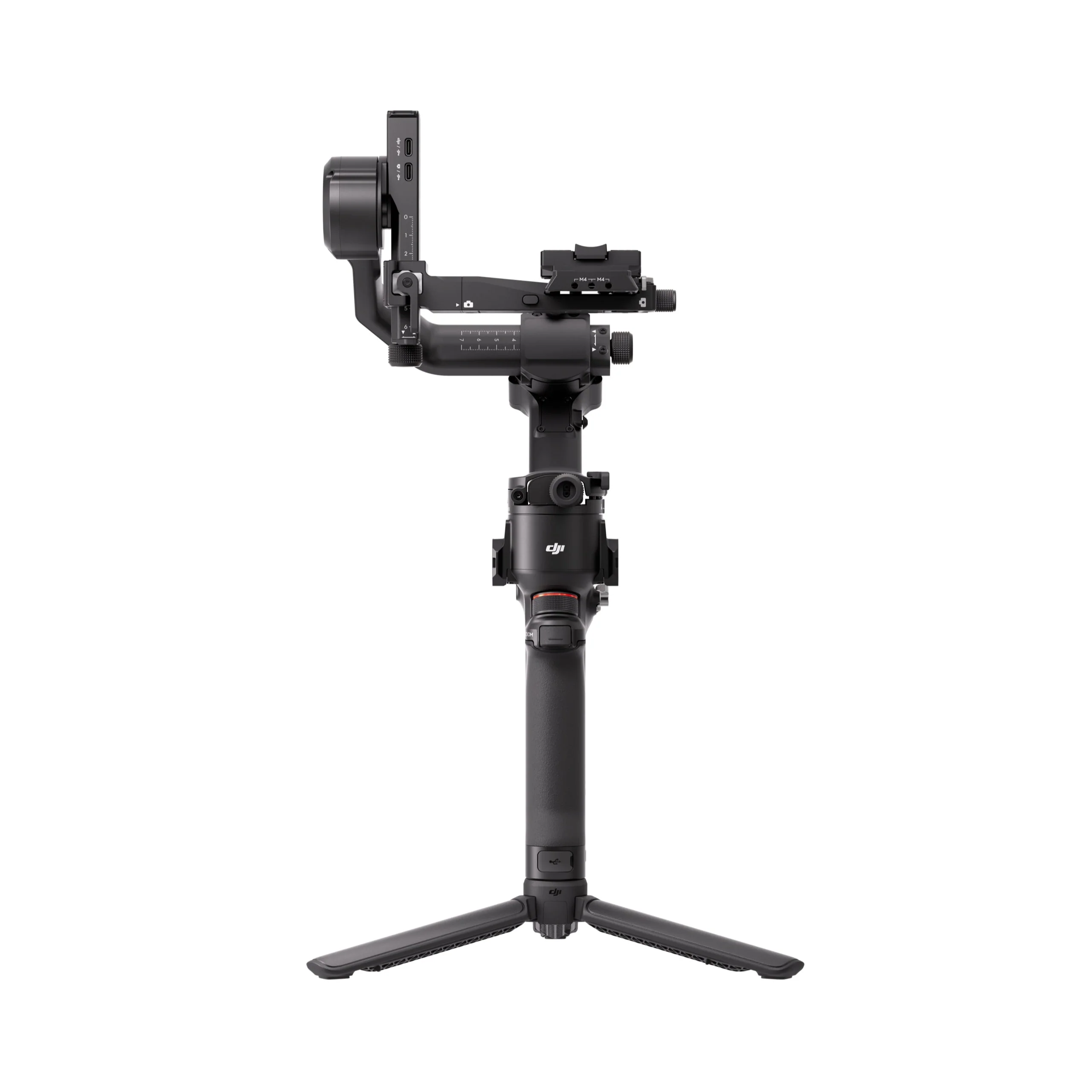
Dual-layer quick release plates make mounting and balancing fast and simple. The redesigned horizontal plate allows quicker transitions to native vertical shooting. A fine-tuning knob adjusts the tilt axis, while placement guides on the upper plate ensure secure camera mounting.
Auto-Locking OLED Screen
The RS 5 features a fixed OLED touchscreen with an auto-lock function. When locked, the screen displays gimbal and joystick movement at low brightness to prevent accidental changes and conserve battery life.
Focus Pro and DJI SDR Transmission Support
Pair the RS 5 with up to two Focus Pro motors to control focus and zoom using the gimbal’s dial and joystick. Add the DJI SDR Transmission module for live video monitoring and remote gimbal and camera control.
Second-Generation Automated Axis Locks
Press and hold the power button to automatically unlock all three axes and begin shooting in approximately two seconds. A single press locks the axes and enters sleep mode for easier transport and storage. Reduced locking gaps help minimize gimbal shake.
RSA Communication Port
The RSA communication port enables integration with Ronin and third-party accessories. Using the DJI RS SDK protocol, developers can create custom functions and expand shooting configurations for the RS 5.
Wireless Shutter Control
Dual-mode Bluetooth enables wireless shutter control directly from the stabilizer. Once paired, compatible cameras automatically reconnect, eliminating the need for camera control cables. Supported models include select FUJIFILM and Panasonic cameras.
Integrated Monitoring and Control
Adjust camera exposure remotely in the Ronin app or control the gimbal using the virtual joystick. With the Ronin Image Transmitter, a smartphone can function as a motion controller for dynamic, remote camera movement.
Integrated Controls
- Use the gimbal mode switch to alternate between Pan Follow, Pan & Tilt Follow, and FPV modes. FPV settings include 3D Roll 360, Portrait, and Custom. Additional features include motion-lapse, track, and panorama.
- The customizable trigger button enables FPV mode, allowing all three axes to follow grip movement while held.
* Charger Not Included
Product Information
Product Information
Shipping & Returns
Shipping & Returns
Description
Enhanced Battery and Fast Charging
When used with the BG33 battery grip, the RS 5 gimbal can be fully charged in as little as one hour using a 65W PD power charger. It offers 14 hours of runtime, 15% more than the RS 4, or up to 30 hours when used with a BG70 battery grip.
Native Vertical Capture
Switch to vertical/portrait mode in seconds using the RS 5 gimbal’s third-generation vertical shooting design. Loosen and press the single-side knob, rotate and tighten the horizontal plate, and you’re ready to shoot.
Second-Generation Quick Release Plate Design
Dual-layer quick release plates make mounting and balancing fast and simple. The redesigned horizontal plate allows quicker transitions to native vertical shooting. A fine-tuning knob adjusts the tilt axis, while placement guides on the upper plate ensure secure camera mounting.
Auto-Locking OLED Screen
The RS 5 features a fixed OLED touchscreen with an auto-lock function. When locked, the screen displays gimbal and joystick movement at low brightness to prevent accidental changes and conserve battery life.
Focus Pro and DJI SDR Transmission Support
Pair the RS 5 with up to two Focus Pro motors to control focus and zoom using the gimbal’s dial and joystick. Add the DJI SDR Transmission module for live video monitoring and remote gimbal and camera control.
Second-Generation Automated Axis Locks
Press and hold the power button to automatically unlock all three axes and begin shooting in approximately two seconds. A single press locks the axes and enters sleep mode for easier transport and storage. Reduced locking gaps help minimize gimbal shake.
RSA Communication Port
The RSA communication port enables integration with Ronin and third-party accessories. Using the DJI RS SDK protocol, developers can create custom functions and expand shooting configurations for the RS 5.
Wireless Shutter Control
Dual-mode Bluetooth enables wireless shutter control directly from the stabilizer. Once paired, compatible cameras automatically reconnect, eliminating the need for camera control cables. Supported models include select FUJIFILM and Panasonic cameras.
Integrated Monitoring and Control
Adjust camera exposure remotely in the Ronin app or control the gimbal using the virtual joystick. With the Ronin Image Transmitter, a smartphone can function as a motion controller for dynamic, remote camera movement.
Integrated Controls
- Use the gimbal mode switch to alternate between Pan Follow, Pan & Tilt Follow, and FPV modes. FPV settings include 3D Roll 360, Portrait, and Custom. Additional features include motion-lapse, track, and panorama.
- The customizable trigger button enables FPV mode, allowing all three axes to follow grip movement while held.